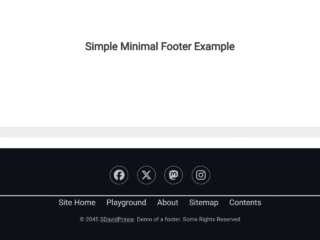
How to Create Footer At Bottom Of Page But Not Fixed
Create the HTML structure as follows:
<div class="demo">
  <h1>CSS “Always on the bottom” Footer</h1>

  <p>I often find myself designing a website where the footer must rest at the bottom of the page, even if the content above it is too short to push it to the bottom of the viewport naturally.</p>

  <p>However, if the content is taller than the user’s viewport, then the footer should disappear from view as it would normally, resting at the bottom of the page (not fixed to the viewport).</p>
</div>

<div class="footer">This will always appear at the bottom of the page, but <strong>not fixed</strong>.</div>
Style using the following CSS styles:
/**
 * Demo Styles
 */

html {
  height: 100%;
  box-sizing: border-box;
}

*,
*:before,
*:after {
  box-sizing: inherit;
}

body {
  position: relative;
  margin: 0;
  padding-bottom: 6rem;
  min-height: 100%;
  font-family: "Helvetica Neue", Arial, sans-serif;
}

.demo {
  margin: 0 auto;
  padding-top: 32px;
  max-width: 640px;
  width: 94%;
}

.demo h1 {
  margin-top: 0;
}

/**
 * Footer Styles
 */

.footer {
  position: absolute;
  right: 0;
  bottom: 0;
  left: 0;
  padding: 1rem;
  background-color: #efefef;
  text-align: center;
}
That’s all! hopefully, you have successfully created Footer At Bottom Of Page But Not Fixed. If you have any questions or suggestions, feel free to comment below.